
You pick up your phone to check one text. Forty minutes later you resurface, and the evening with your kids or your partner is half gone. If you’re searching for how to stop wasting time on your phone, you’ve probably already tried screen time limits and app blockers. They worked for a few days, then you ignored the warning or turned them off entirely.
This isn’t a willpower problem. It’s a trigger problem. Once you know exactly when and why you reach for your phone, you can fix it with small, specific changes instead of generic rules that quietly disappear by week two.
Why “just use it less” doesn’t work
Willpower is strongest in the morning and weakest at night, which is exactly when most scrolling happens. By 9pm, after a full day of decisions, your brain wants the easiest possible reward. Your phone is designed to be that reward.
Apps aren’t accidentally addictive. Teams of people get paid to keep you scrolling a few minutes longer. You’re not failing at self-control – you’re outmatched by a product built to beat it.
That’s also why advice like “just delete the app” rarely sticks on its own. It treats the symptom without asking why you picked up your phone in the first place. Boredom, anxiety, avoidance, and loneliness all lead to the same scroll, but they need different fixes.
Find your real trigger (5-minute audit)
Before changing anything, spend five minutes figuring out your actual pattern:
- Open your phone’s built-in screen time report for the last 7 days.
- Write down the top 3 apps and the time of day you use them most.
- For each one, name the feeling right before you opened it: bored, anxious, avoiding a task, or lonely.
Most people find that 80% of their screen time comes from 20% of their apps – usually social media, news, and one game. Fix those three and the rest barely matters.
The three moments people actually waste phone time
Almost all mindless phone use falls into one of three windows. Match the fix to the moment, not a blanket rule.
- Waiting (line, bus, bathroom): keep one tiny offline task ready – tidy your bag for two minutes, or text a friend to make real plans instead of scrolling theirs.
- Avoiding (a hard email, a chore): say the task out loud before you pick up your phone. “I’m avoiding replying to my boss” breaks the autopilot almost instantly.
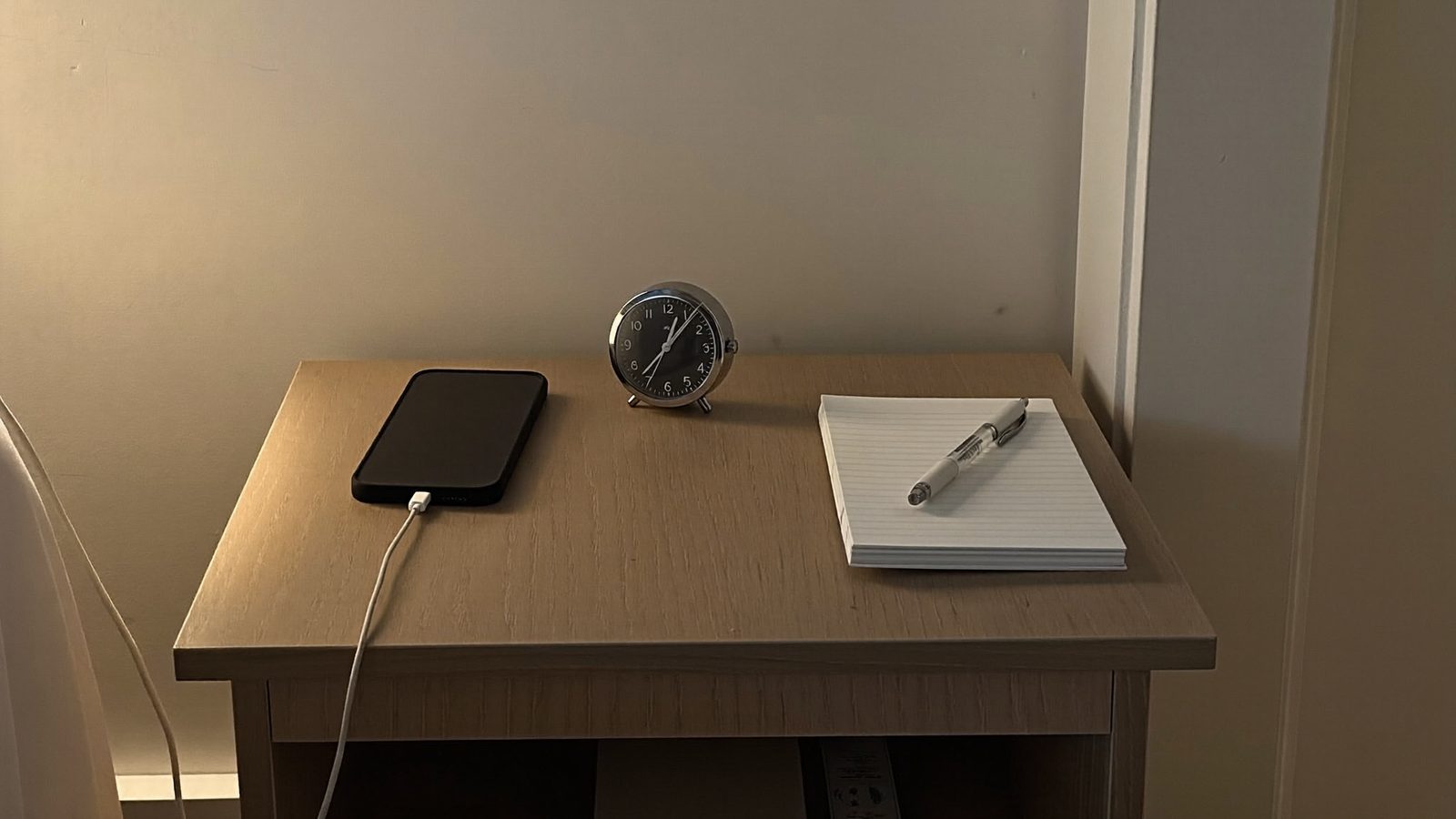
- Winding down (bed scrolling): charge your phone outside the bedroom and use a basic alarm clock. This single change removes the single biggest scroll session most people have.
Set up friction, not rules
Rules get broken. Friction just slows you down long enough to choose differently.
- Move social apps off your home screen into a folder on page 2 or 3.
- Turn off every notification except texts and calls from real people. News alerts and app pings aren’t urgent.
- Try grayscale mode for one week as an experiment. Apps use bright colors to trigger quick dopamine hits; without color, the pull is noticeably weaker for a lot of people. Treat it as a trial, not a permanent setting.
Replace scrolling with a short list of “instead” actions
Trying to just “not” scroll leaves a gap your brain will fill with the phone anyway. Instead, keep three tiny, ready alternatives tied to your specific triggers from the audit:
- Bored in line → text a friend to make an actual plan.
- Avoiding a task → jot one line in a notes app about what you’re avoiding and why.
- Winding down → step outside for two minutes before bed.
The goal isn’t zero phone use. It’s fewer empty scrolls and more real contact with the people around you.
Use one app to do the job of five
A lot of constant phone checking isn’t even scrolling – it’s jumping between a messaging app, a calendar, a notes app, and a group chat trying to remember what you agreed to. Every switch is a chance to get pulled into something else.
Consolidating chats, calendar, notes, and the people you’re coordinating with into one calm home base cuts that “just checking” reflex. When you’re not juggling five apps to confirm Saturday’s plans, there’s less reason to open your phone fifteen times an hour. This is exactly the gap FindHaveFun was built to close – one place for the logistics, so your phone time goes toward actual plans instead of app-hopping.
A simple 7-day reset you can actually finish
- Day 1–2: Run the 5-minute audit. Note your top 3 trigger moments and the feeling behind each.
- Day 3–5: Add one friction change and one “instead” action per trigger. Don’t try to fix everything at once.
- Day 6–7: Check your screen time report again. Compare it to day 1, and adjust whatever didn’t stick.
Seven days is short enough to finish and long enough to see a real pattern.
What to do when you slip back into old habits
One long scroll session doesn’t erase your progress. Treat it as data, not failure. Ask what trigger you missed that day – were you more tired, more anxious, more bored than usual? – instead of blaming willpower.
Then reset at the next trigger moment, not the whole day. Progress here isn’t a straight line, and it doesn’t need to be.
FAQ
What is the 80/20 rule for phone use?
Roughly 80% of your screen time probably comes from 20% of your apps. Check your phone’s screen time report, sort by app, and you’ll likely find social media, news, and games make up most of the hours. Fix those three and the rest barely matters.
Does turning my phone to grayscale actually help?
It helps some people because apps are designed with bright colors to trigger dopamine. Without color, scrolling feels less rewarding. It’s worth a one-week trial, but it’s not a fix on its own – pair it with specific time blocks for picking up your phone.
How much screen time is “normal” for an adult?
There’s no single healthy number – it depends on whether your phone is for work, parenting logistics, or pure scrolling. A more useful question than “how many hours” is “does this match what I say I value.” If you want 2 hours with your kids but you’re on your phone during it, that’s the real metric.
Will deleting social media apps really reduce my screen time?
Usually yes, at least initially. Removing the app adds friction – you have to use a browser or reinstall it, which cuts a lot of mindless opens. Some people reinstall within days, but even that pause often reduces total time by making each use a conscious choice.
How do I stop reaching for my phone the second I’m bored?
Keep a small physical alternative nearby – a notebook, a book, or even a stress ball. The urge to reach for your phone when bored is a habit loop (cue: boredom, routine: phone, reward: stimulation). Swapping the routine while keeping the same cue and reward (curiosity, a few minutes of something else) breaks the loop over time.
Can an app actually help me use my phone less?
Yes, if it replaces the reason you were scrolling in the first place. Many people check their phone constantly because they’re waiting on messages, trying to remember plans, or feel disorganized. A calmer home base for chats, calendar, and notes – like FindHaveFun – can reduce the anxious checking that leads to longer scroll sessions.
Ready to cut down on the “just checking” reflex and make more room for real plans? Try FindHaveFun free on iPhone and Android.
Understanding how to stop wasting time is the first step towards making a positive change.
Make it a priority to learn how to stop wasting time each day.
To summarize, understanding how to stop wasting time is essential for a balanced and happy life.
Ultimately, the goal is to master how to stop wasting time and to enjoy life without the constant distraction of your phone.
Finally, embrace the power of knowing how to stop wasting time and use it to create more meaningful connections.
As you progress in how to stop wasting time, reflect regularly on your journey and celebrate small victories.
Remember, learning how to stop wasting time is not just about reducing phone use; it’s about enhancing your quality of life.
There are many resources available on how to stop wasting time. Seek them out and stay informed.
As you learn how to stop wasting time, consider keeping a journal to track your progress.
Ultimately, understanding how to stop wasting time can lead to a more fulfilling life.
Finding ways how to stop wasting time includes identifying moments where you’re most likely to reach for your phone.
Start your journey on how to stop wasting time by recognizing your unique triggers.
By implementing strategies on how to stop wasting time, you can regain control over your phone usage.
Learning how to stop wasting time is a process that involves self-reflection and adjustment.
When considering how to stop wasting time, make a list of the activities that lead to unnecessary phone usage.
If you’re looking for how to stop wasting time, understanding your habits is crucial. Knowing how to stop wasting time on your phone involves recognizing the triggers that lead to this behavior.